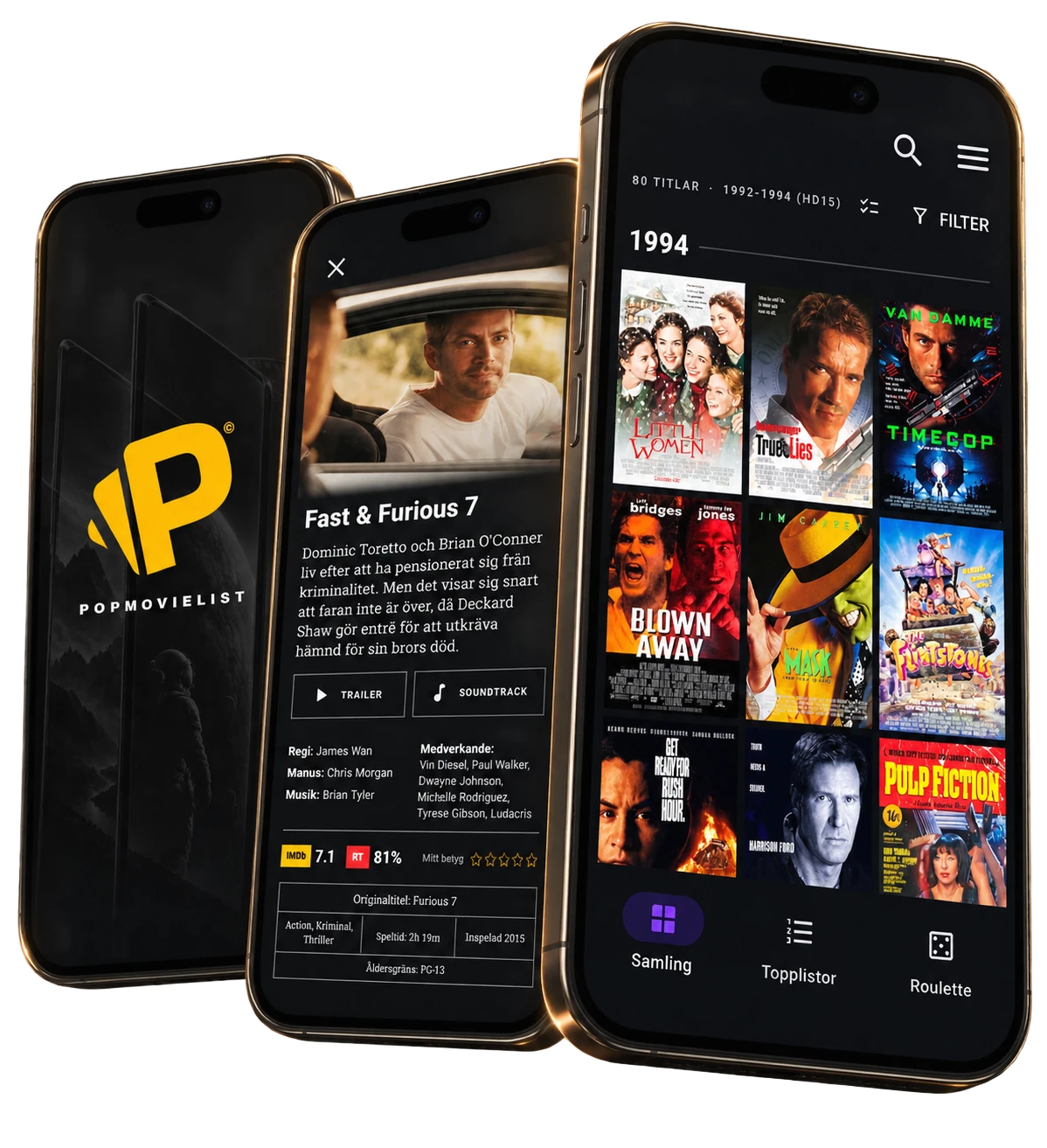
Your own video store online.
In the palm of your hand.

Collect the movies you own, find them instantly, and pick tonight's movie on your phone, tablet or computer.

Get it on Google Play Download on the App Store
PopMovieList on multiple screens

Big collection.
Small effort.

Photograph a pile of movies and AI suggests the titles, or snap a picture of a list and Google reads the text for you. Scan barcodes, upload a list, import from another app, or add one movie at a time. Less typing, more popcorn.

Complete control.
Well-kept secrets.

Sort by title, year, rating or category. Build your own filters and collections, and compare ratings from IMDb and Rotten Tomatoes. You can even hide your most embarrassing favourites. Your seven Police Academy movies stay between us.

Your collection.
Exactly how you want it.

Pick posters from TMDB – classic movie artwork or a clean image-and-title design. Tap a poster to flip it and choose what goes on the back: director, writer, cast and more. Upload your own images and logos and keep track of who borrowed what. Yes, Dave, we remember.

Sit back and get to know PopMovieList!

Access to every platform

One price for
every screen.

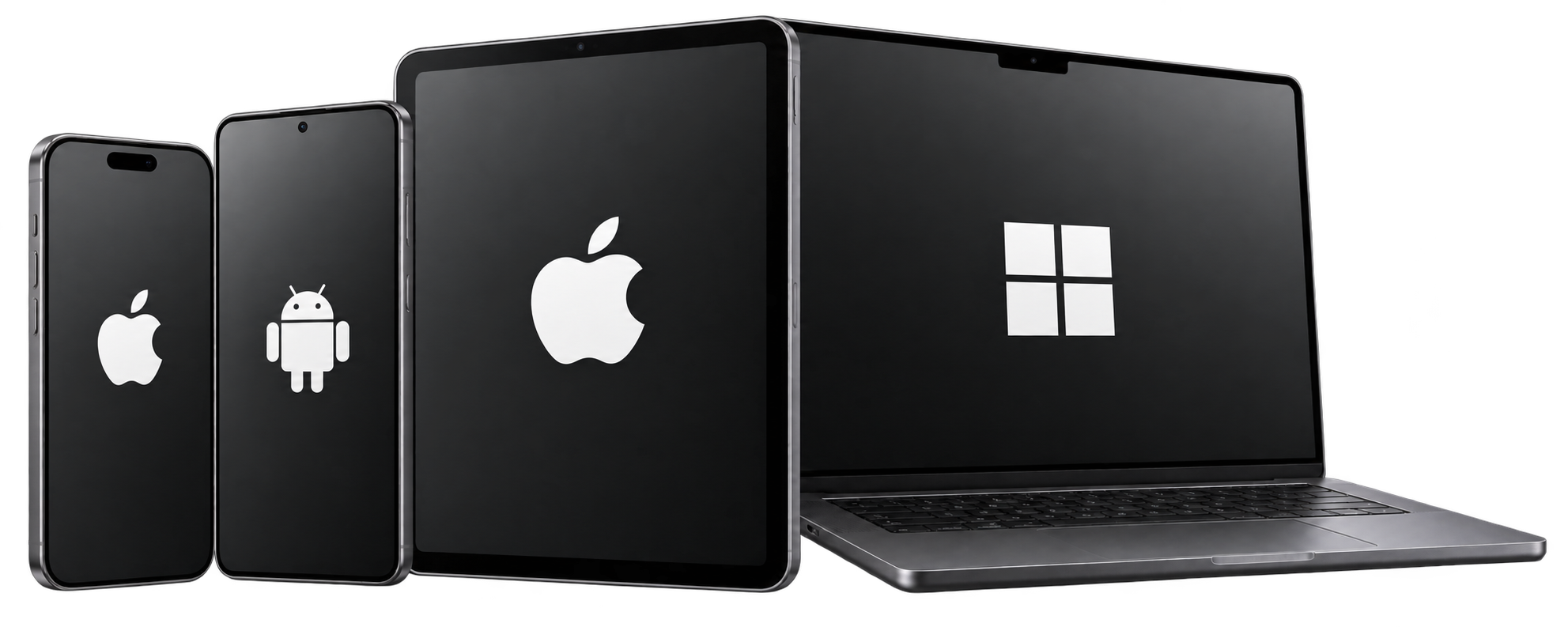
Use PopMovieList on iPhone, Android, iPad and desktop. Every platform is included in the price.
For those who want to know it all

Explore the features.

Ratings & what to watch
Rating comparisonCompare ratings for up to five movies side by side.
Landscape movie pickTurn your phone sideways and get a suggestion instantly.
Movie rouletteLet chance pick tonight's movie from your collection.
Top listsSee which movies you own from lists like the IMDb Top 250.
Trailer & soundtrackGet closer to the movie with its trailer and soundtrack one tap away.
Picture, sound & format
Picture & soundTrack things like Dolby Vision, HDR10+, Atmos and DTS:X, plus audio channels from mono to 7.2.
Aspect ratio & anamorphic widescreenShow the movie's aspect ratio and flag anamorphic VHS and DVD releases.
Physical & digital formatsCover 4K UHD, Blu-ray, DVD, VHS, LaserDisc and digital movies.
IMAX EnhancedFlag IMAX Enhanced separately from other picture and sound traits.
Smart format optionsOnly see picture and sound options that actually apply to that format.
EditionsKeep track of Criterion, Steelbook and other collector's editions.
Share & protect
Hidden & locked collectionHide private titles from the regular view, and protect secret movies with an extra password.
Family sharingUse the same collection across multiple devices in your household.
BackupExport your collection and restore it whenever you need to.
Find & sort
FiltersUse quick filters, or build and save your own advanced ones.
Genre browsingBrowse by genre and see instantly how many movies match.
Smart searchFind movies despite typos, search by original title, and type things like “skrack” to find “Skräck”.
SortingSort by year, title, rating or date added. Choose whether a leading “The”, “A” or “An” should count.
Add movies
Photograph movies & listsPhotograph your shelf and let AI suggest titles, or snap a movie list and let text recognition read it.
Review suggestionsCheck and approve suggested movies before they're added to your collection.
Import listsUpload a movie list from your computer, import an export from another app, or paste titles as text.
Manual entrySearch for and add one movie at a time.
Barcode scanningScan the barcode on the case to find the movie.
Organize your collection
FavouritesMark the movies you love the most.
CollectionsBuild your own sets, for example every James Bond film.
Bulk editUpdate several movies at once.
Collection statsSee total runtime, average rating, most common genre and more.
Make it yours
Posters & backdropsChoose posters and backdrops to match your taste, from original artwork to a more uniform look.
Custom logosUpload your own logos for picture and sound formats.
Custom titlesChoose your own display name for a movie.
Movie viewerDecide what information shows when you flip the poster, and choose credit roles like cast, director and writer.
Retro back coverGive a movie a back cover inspired by Esselte's 80s sleeves, with your own quote.
ThemesChoose between black and the red cinema curtain.
More room for moviesThe top bar shrinks as you scroll, giving posters more space.
Ownership & storage
Purchase infoSave the purchase date, place and price if you want to.
Purchase platformNote where you bought it: Apple TV, Google Play, Amazon and more.
Storage locationsKeep track of exactly where each movie is kept.
Studio & distributorFilled in automatically, with room to add your own logo.
LendingKeep track of who borrowed which movie.
Pricing & getting started

Give your movie collection a new home.

PopMovieList

[Price]

[One-time purchase or subscription period]

[State what the purchase covers: person, account or household. Add any limits and payment terms.]

Final button: “Buy PopMovieList” at web checkout, or “Get the app” for in-app purchase.

Frequently asked questions

Before you start.

Does it include movies to stream?

PopMovieList helps you organize the movies you own. Streaming movies aren't included.

Do I need to pay for each platform?

No. iPhone, Android, iPad and desktop are included in the same price.

Does the purchase cover the whole family?

[Fill in the decided account terms and current status of family sharing.]